
Run every jobsite from one toolbox.

  • Attention at a glance
  • Photos & permits
  • Built for the truck
Need Box

Get on the waitlist

New accounts are opened in batches. Leave your details and we'll reach out when a spot opens.

Already have an account? Sign in

Everything the job needs

Replace the spreadsheets, text threads and sticky notes with one organized workspace.

Every project and job in one place

Every job, address, budget and progress bar organized so the whole crew sees the same picture.

Schedule crews and site visits

Plan meetings, inspections and crew days, and know who is on site at a glance.

Tasks that actually get done on time

Assign next actions, track what is open, and keep small items from becoming delays.

Job docs, photos and permits

Keep private job files, change orders and permits with the project, visible only to your team.

The whole job, one screen

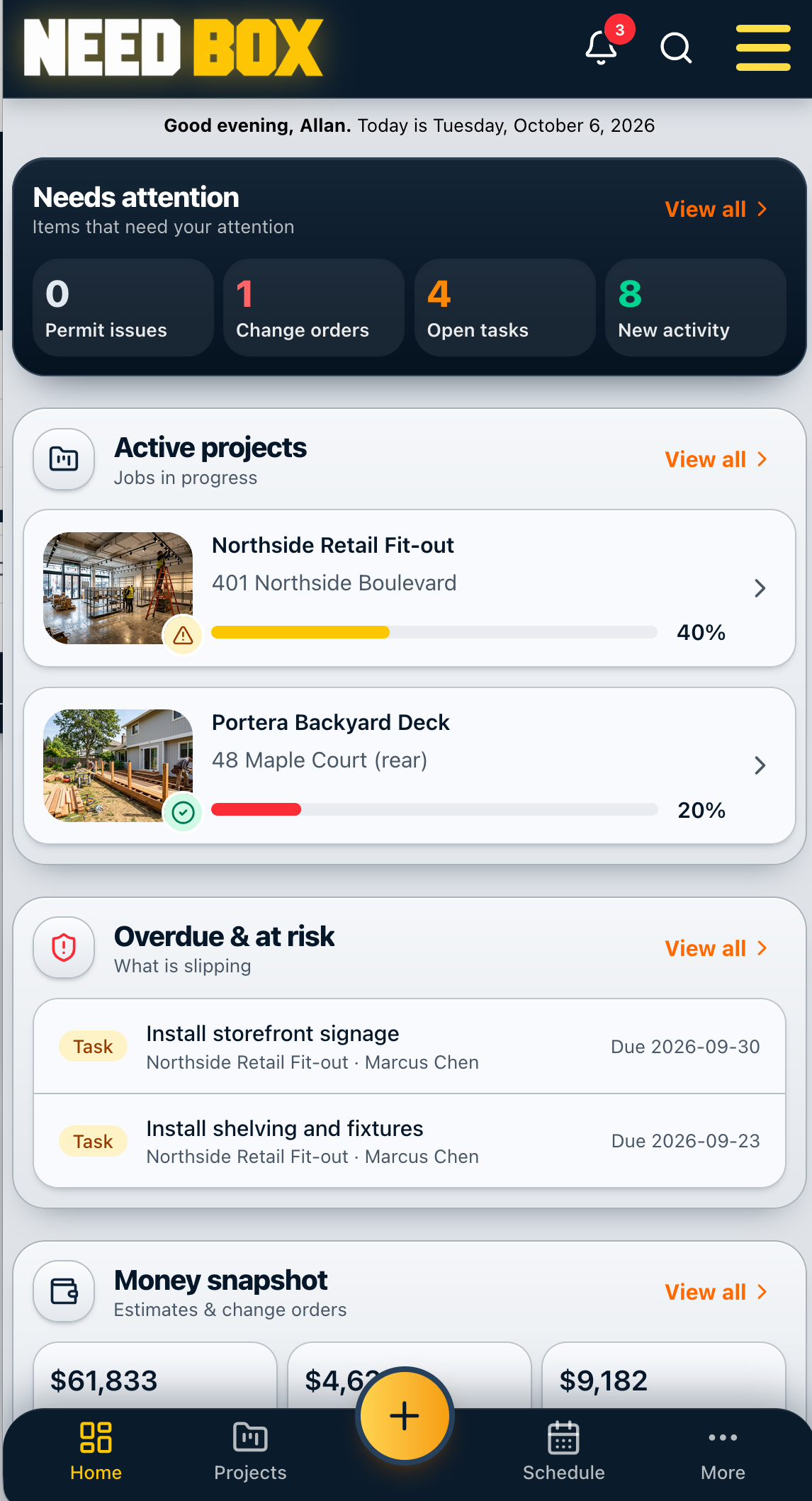
Today's schedule, active projects, what is overdue and who is on site, on the desk or in the truck.
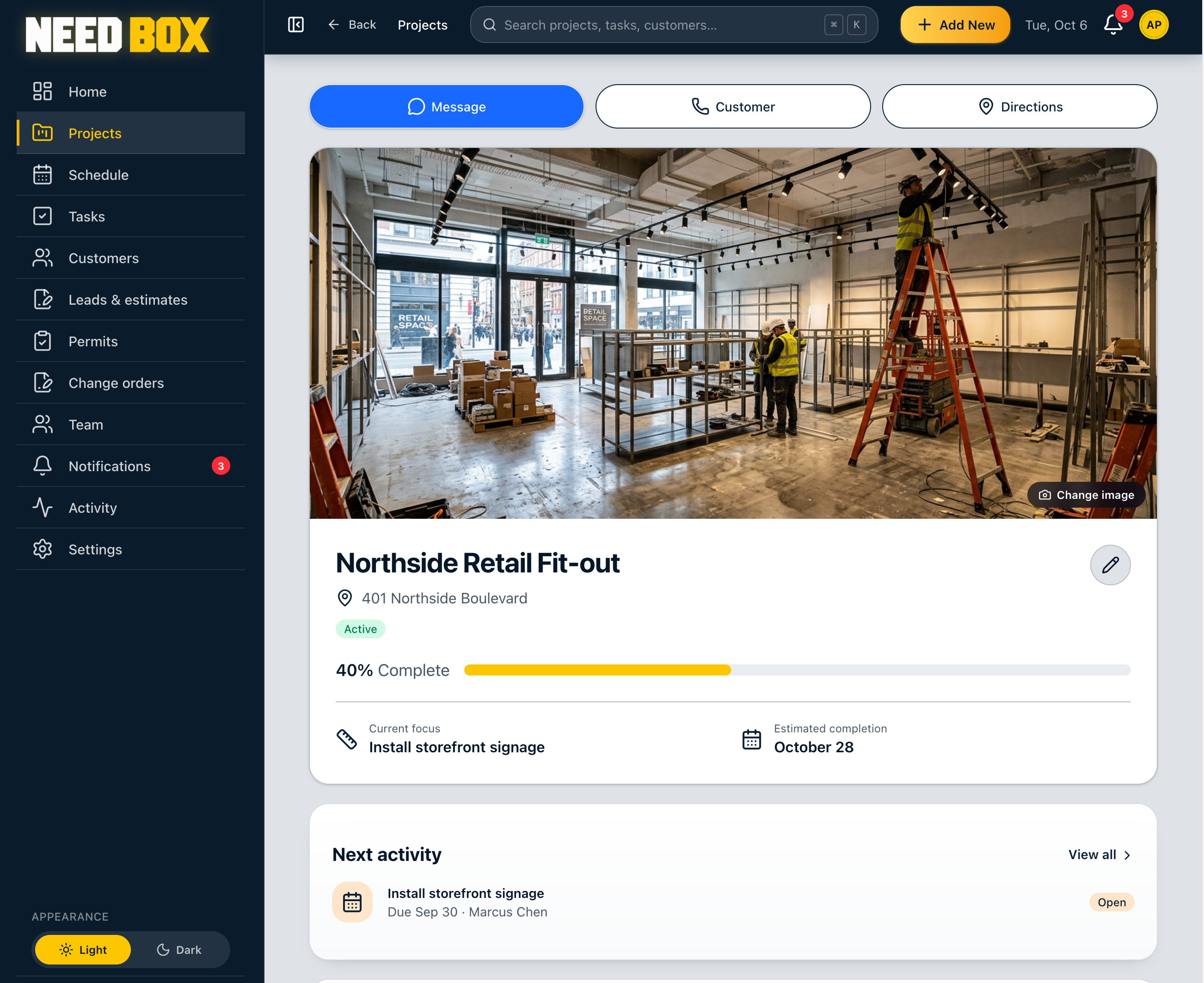
A Need Box project page showing progress, current focus, next activity and quick message, call and directions buttons
The Need Box mobile app showing items that need attention and a list of active projects

How it works

  1. 1

    Set up your workspace

    Create an account and add your first project in minutes.

  2. 2

    Invite your crew and customers

    Crews get the views they need. Customers get their own portal.

  3. 3

    Run the job

    Schedule, assign and document from your phone. Customers see the progress.

Customer portal

Your customers see the progress as it happens

Every customer gets their own secure portal. They watch their home come together, without the calls, texts and status meetings.

  • Live progress

    A progress bar that moves as the job does, so customers stop calling to ask where things stand.

  • Jobsite photos

    Post a photo from the truck and your customer sees it in their portal right away.

  • Schedule and permits

    Upcoming site visits, inspections and permit status, always current.

  • Change order approvals

    Customers review and approve changes online, with a clear record of who said yes and when.

Customer portalUpdated 2 minutes ago

Kitchen remodel

Cabinets installed. Countertop template is next.

Latest from the jobsite

Example jobsite photo of a kitchen remodelExample jobsite photo of interior progress

Change order needs your approval

Pricing

One flat price for your whole crew

Starter

Up to 5 team members

For owner-run crews getting the jobs organized.

3-month free trial

$33per month, billed yearly
Join the waitlist
  • Unlimited projects and customers
  • Scheduling and task tracking
  • Photos, documents and permits
  • Live customer portal included
  • Subcontractor access
  • Email support
Most popular

Growth

6 to 15 team members

For growing companies with an office and several crews.

3-month free trial

$100per month, billed yearly
Join the waitlist

Everything in Starter, plus

  • Live customer portal included
  • Custom roles and permissions
  • Assigned-work-only crew access
  • Permission change history
  • Same-day priority support

Scale

15+ team members

For established builders running many jobs at once.

3-month free trial

Custom
Join the waitlist

Everything in Growth, plus

  • Live customer portal included
  • Guided onboarding and import
  • Dedicated support contact
  • Setup for multiple crews
  • Volume pricing for larger teams

Questions, answered

Can't find what you need? Inquire with us and we'll get back to you.

Inquire with us

Tell us about your crew and we will be in touch.

Your company admin creates the workspace and sets up accounts for the people who need access. Once your account is ready, you can sign in securely from the website and see the projects, schedules and information shared with you. If you are not sure who manages your company account, ask your office administrator or inquire with us and we can help you get started.

A day on the job

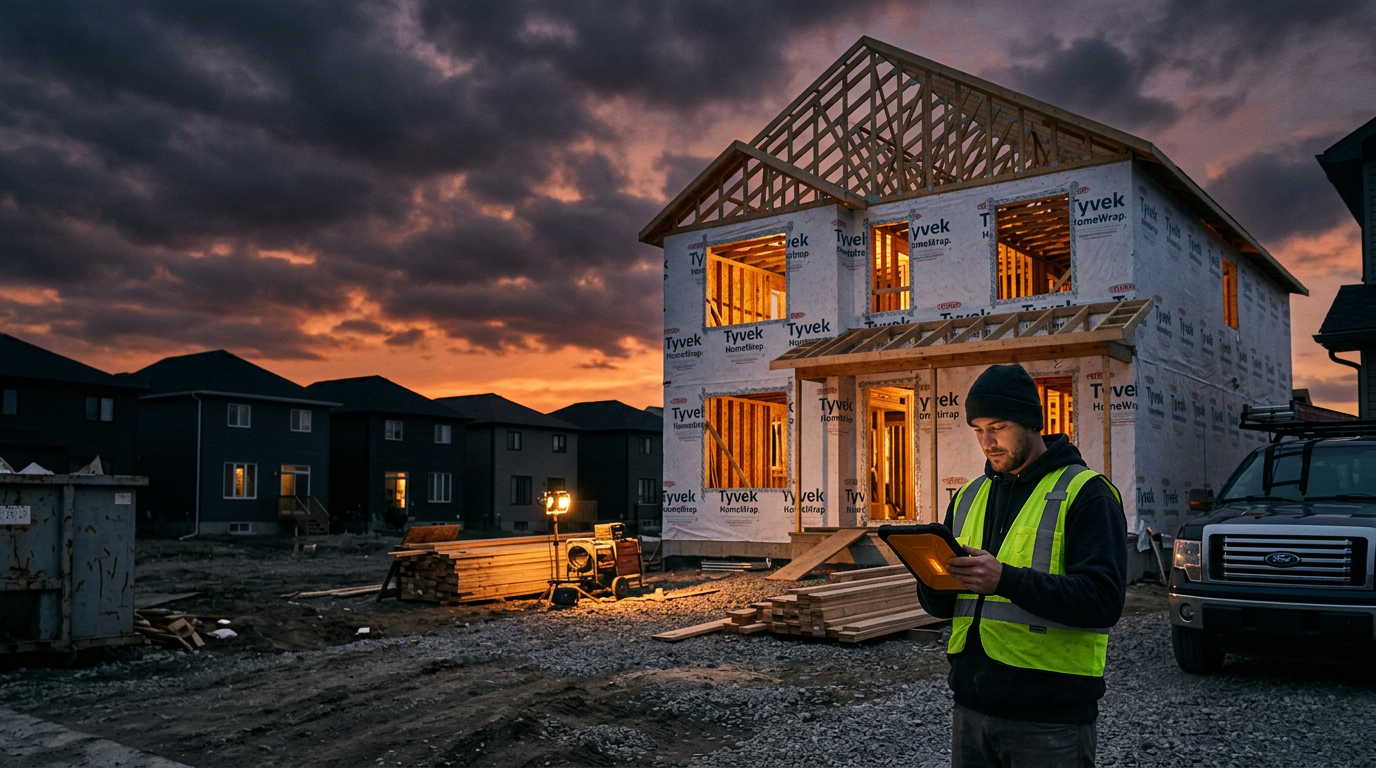
Built for the crew that shows up at sunrise

Start the day knowing what needs attention. Your whole crew sees the same picture, from the first coffee to the last walkthrough.

Ready to put the work in order?

Sign in above to open your workspace.

Back to sign in